
The Worcester boiler A21 fault code means the boiler has lost its radio frequency signal link with the wireless room thermostat or controller. Without that signal the boiler cannot receive the call for heat, so heating may fail to start even though the boiler itself is otherwise healthy.
This is one of the more common communication faults on Worcester Bosch systems that use wireless controls. In UK homes, where many properties rely on a modern combi or system boiler with a wireless thermostat, an A21 lockout can leave radiators cold until the link is restored.
This guide explains the meaning of the code in everyday language, covers the main causes, and gives clear steps you can take safely. It also shows when it makes sense to call a Gas Safe registered engineer.
What Does the Worcester Boiler A21 Fault Code Mean?
The Worcester boiler A21 fault code means the radio frequency communication between the wireless thermostat and the receiver near the boiler has been interrupted. The thermostat normally sends a wireless signal when the room temperature drops below the set point. The receiver picks up that signal and tells the boiler to fire. When the signal is lost, the boiler displays A21 because it is no longer receiving valid heating demand instructions.
You will typically notice that the heating does not come on when expected, even if the thermostat display looks normal. The boiler itself may otherwise appear ready to run. Worcester Bosch describes this as a loss of RF signal.
The good news is that many cases can be resolved without opening the boiler or calling an engineer, because the problem often sits with the thermostat batteries, positioning or local interference rather than a major internal fault.
When a wireless control fault keeps returning, or the thermostat and receiver will not reconnect, the inconvenience and potential call-out costs can mount. Some homeowners and landlords in this position start looking at a full system upgrade. Eazy Heat installs new boilers for properties across the UK and can provide clear advice on whether a modern replacement would remove the recurring communication issues.
What Causes the A21 Fault Code on Your Worcester Boiler?
Several everyday issues can trigger the A21 fault code on a Worcester boiler. The most common are flat thermostat batteries, the thermostat being out of effective range, wireless interference from other devices, and a faulty thermostat or receiver unit. Below we look at each main cause and the practical steps that follow.
Flat or Low Thermostat Batteries
Flat or low thermostat batteries are the single most frequent cause of the A21 fault code. A wireless room thermostat relies entirely on its batteries to power both the display and the radio transmitter. As the batteries weaken, signal strength drops long before the screen goes blank.
During that stage the thermostat may still light up and appear to work, yet the RF signal is too weak for the receiver to register consistently. This is especially common in busy households where the heating runs for long periods or the thermostat is several years old.
How to Fix
- Locate the wireless room thermostat on the wall.
- Carefully remove it from its mounting plate (most models lift or slide off; check your specific instructions if needed).
- Open the battery compartment and replace the batteries with fresh, good-quality ones of the correct type (usually AA or AAA).
- Refit the thermostat securely onto its mounting plate.
- Raise the set temperature well above the current room temperature and check whether the boiler fires and the A21 code clears.
- If the code remains, move on to the next checks. Battery replacement resolves a large share of A21 cases on its own.
Thermostat Out of Effective Range
The thermostat being out of effective range is another common reason for the A21 fault code. Worcester wireless systems have a stated open-air range, but walls, floors, metal objects and the layout of the property all reduce that distance in real homes.
If the thermostat has been moved, or if furniture, appliances or building work has altered the path between thermostat and receiver, the signal can drop out. Larger homes, extensions and properties with thick walls are more prone to this issue.
How to Fix
- Confirm the location of the receiver unit (usually mounted near or on the boiler).
- Temporarily move the thermostat closer to the receiver while still keeping it in a representative living space.
- Raise the set temperature and watch for the boiler to respond.
- If the heating starts reliably when the thermostat is closer, the original position is outside reliable range.
- Choose a new permanent location that is closer to the receiver, free of large metal objects, and still representative of the rooms you want to control.
- Re-test the system. If range remains a problem even at closer distances, an engineer may need to check the receiver or consider a different control solution.
Wireless Interference from Other Devices
Wireless interference from other devices can disrupt the RF signal and produce the A21 fault code. Worcester systems typically operate on a specific frequency band.
Other wireless equipment in the home (certain routers, cordless phones, baby monitors, smart home devices or even microwave ovens) can create enough noise to interrupt the thermostat-to-receiver link, especially if those devices sit close to either unit or share a similar frequency.
How to Fix
- Note any new electronic devices that have been added near the thermostat or the boiler receiver.
- Temporarily switch off or move nearby wireless devices one at a time.
- After each change, raise the thermostat, set temperature and check whether the A21 clears and the boiler responds.
- Once the interfering device is identified, reposition it further away from both the thermostat and the receiver.
- Avoid placing the thermostat next to large metal surfaces, thick external walls or dense electronic equipment.
- If interference cannot be eliminated by repositioning, a Gas Safe engineer can advise on alternative control options or signal strengthening solutions.
Faulty Thermostat or Receiver
A faulty thermostat or receiver unit can also cause the A21 fault code when batteries, range and interference have already been ruled out. The thermostat transmitter or the receiver electronics can fail with age, moisture exposure or electrical issues. In these cases the signal is simply not being sent or received correctly, no matter how close the devices are or how fresh the batteries are.
How to Fix
- Confirm that new batteries have been fitted and that the thermostat is within a reasonable distance of the receiver.
- Power-cycle the system by switching the boiler off at the isolator for a few minutes, then switching it back on.
- Attempt to re-pair the thermostat to the receiver following the pairing instructions in your Worcester manual (the exact button sequence varies by model).
- If the A21 code returns after a successful re-pair attempt, stop further DIY work.
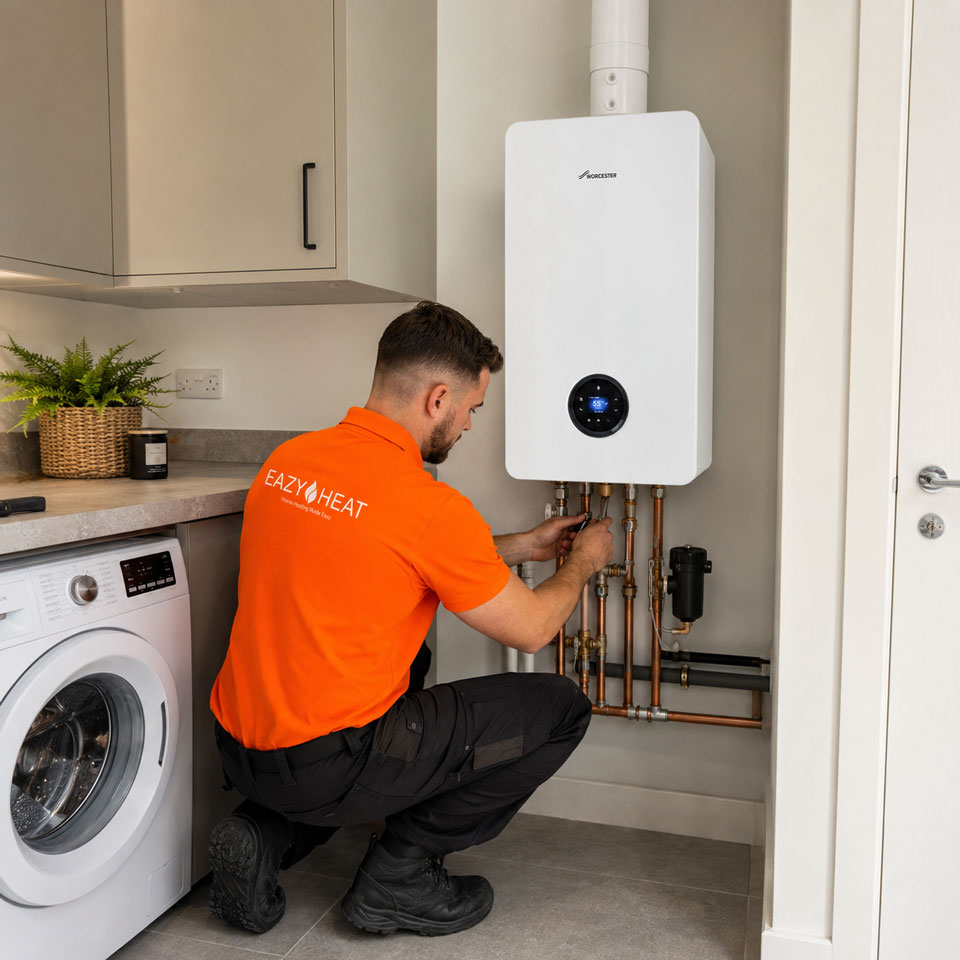
- Call a Gas Safe registered engineer. They can test both the thermostat and the receiver, replace the faulty unit if required, and confirm the rest of the system is operating correctly.
- Keep a note of any recent electrical work or power surges in the property, as this information can help the engineer diagnose the failure.
When Persistent A21 Codes Point to a Bigger Decision
Average boiler related call-out costs in the UK currently sit around £300, and repeated visits for control or communication faults can quickly add up. While many A21 issues are straightforward, an older Worcester system that keeps losing its wireless link may also be approaching the age where other components start to need attention.
A modern A-rated boiler with updated controls often delivers clearer efficiency, quieter running and fewer unexpected stoppages. Typical annual gas savings compared with an older unit can reach £200 to £400 for an average household. For some homeowners and landlords the long-term arithmetic starts to favour replacement once the pattern of faults is clear.
Upgrade to Reliable Heating With a New Boiler From Eazy Heat
If your Worcester boiler is repeatedly losing its wireless connection, ongoing thermostat faults can become frustrating, particularly when you rely on your heating to come on when you need it. If your boiler is also getting older, replacement may be a more practical long-term option than dealing with recurring faults and repairs.
Eazy Heat provides professional new boiler installations for homeowners and landlords across the UK.
Our simple online boiler quotation process lets you find out how much your replacement could cost in just a few steps, with every installation backed by a market-leading 12-year parts and labour warranty. Get your quote today and take the hassle out of replacing your boiler.
Frequently Asked Questions
Does the A21 code affect hot water as well as heating?
On many Worcester combi boilers the A21 code primarily affects the central heating demand from the wireless thermostat. Hot water may still operate normally if it is controlled separately. Always check both functions after clearing the code.
Can I use a wired thermostat instead of the wireless one?
Yes. Many homeowners eventually switch to a wired thermostat or a different control system if RF problems keep recurring. A Gas Safe engineer can advise on compatible options and carry out the conversion safely.
How long do Worcester wireless thermostat batteries usually last?
Battery life varies with usage and model, but many last between one and two years under normal conditions. Replacing them annually as part of a simple home check is a good habit that prevents many A21 occurrences.
Will a power cut clear an A21 fault?
A short power interruption sometimes allows the system to re-establish the RF link once power returns. However, if the underlying cause (flat batteries, range or interference) remains, the code will usually reappear.
Is the A21 code covered by the Worcester Bosch warranty?
If the boiler and original controls are still within the manufacturer warranty period and have been serviced as required, a genuine control or receiver fault may be covered. Always check your warranty documentation and contact Worcester Bosch or the original installer before authorising paid work.